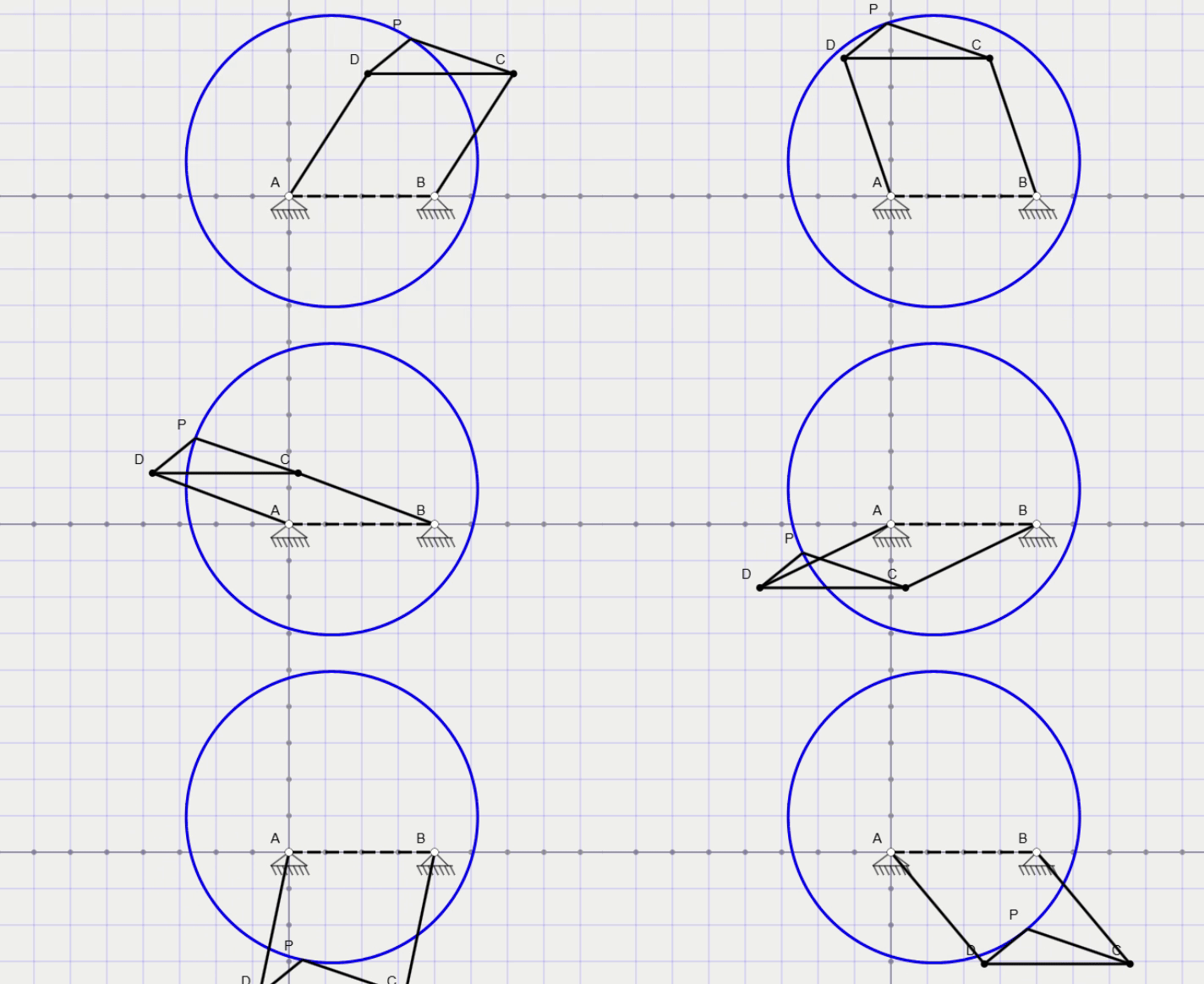
Design, animate and analyze planar linkages right in your browser, from simple four-bar linkages and slider-cranks to six-bar mechanisms, walking legs and multi-motor robot arms. This tool allows you to draw links and joints, see coupler curves and kinematic plots, let it suggest a linkage that follows your path or poses, and export the parts for laser cutting or 3D printing.
Common questions about planar linkages and how to use the designer above.
Linkage Designer is a free, browser-based tool for designing and simulating planar linkages: four-bar linkages, slider-cranks, quick-return mechanisms, six-bar linkages, walking legs and multi-motor robot arms. You draw links and joints, add a motor, and watch the mechanism move. It runs entirely in your browser, with nothing to install and no account needed.
Pick the Draw link tool and drag on the canvas. A link that starts in empty space starts at a ground pivot, and the first crank you draw from the ground gets a motor automatically. Draw the crank, then the coupler from the crank tip, then the rocker from a second ground pivot up to the coupler's free end. Press Play to animate it. You can also start from one of the examples in the Library.
The Grashof condition predicts whether at least one link of a four-bar linkage can rotate fully. With s the shortest link, l the longest, and p and q the other two:
If it holds, the linkage is a crank-rocker, double crank (drag link) or double rocker, depending on which link is grounded. If it doesn't, it is a triple rocker and no link turns fully. Linkage Designer shows the classification in the status bar, and when a mechanism reaches a dead position the animation reverses, like a real rocker.
A coupler curve is the path traced by a point on the coupler (the floating link) as the mechanism moves. Coupler curves are used to design mechanisms that follow a path, such as straight-line linkages and walking legs. Use the Add joint tool to place a point on any link and its curve is drawn automatically. You can also show the curve and velocity arrows of any joint from its toolbar.
Preview any solution, then add it to your design with one click.
Yes. Slotted links create pin-in-slot joints for slider-cranks and quick-return mechanisms. Cylinders are variable-length links that a linear drive extends and retracts, as in a hydraulic lift. Add several motors or linear drives to animate two-degree-of-freedom mechanisms such as five-bar robots and serial arms. Motors can turn fully, swing between limits, or follow a variable-speed profile. The status bar shows the mobility from the Gruebler equation:
Yes. Joint Plot shows the position, velocity and acceleration of any joint over time, and Link Plot shows a link's angle, angular velocity and angular acceleration. Each plot has a table of the numbers, which you can download as a CSV file for a spreadsheet.
Save downloads your design as a file to your computer, and Open loads it again later. Share creates a link that contains the whole design, so anyone who opens it sees the same mechanism. Designs are never stored on our servers.
Yes. It is free to use in your browser, with no sign-up. It works on desktop and tablet, and on phones for smaller designs.

© Me Virtuoso All Rights Reserved 2026